Patterns and the page background
A Pattern is a repeating motif laid over any paint, and Background is the paint of the page itself. Both use the same paint pop-up, so what you learn here works on letters and shapes too.
Painting the page
The background needs no selection: it belongs to the page, not to a layer. It takes the same three paint modes as everything else.
- Open Background from the app bar on a computer, or from the tool strip on a phone.
- Choose One colour, Solid colours, or Gradient.
- Add a motif on top if you want one.
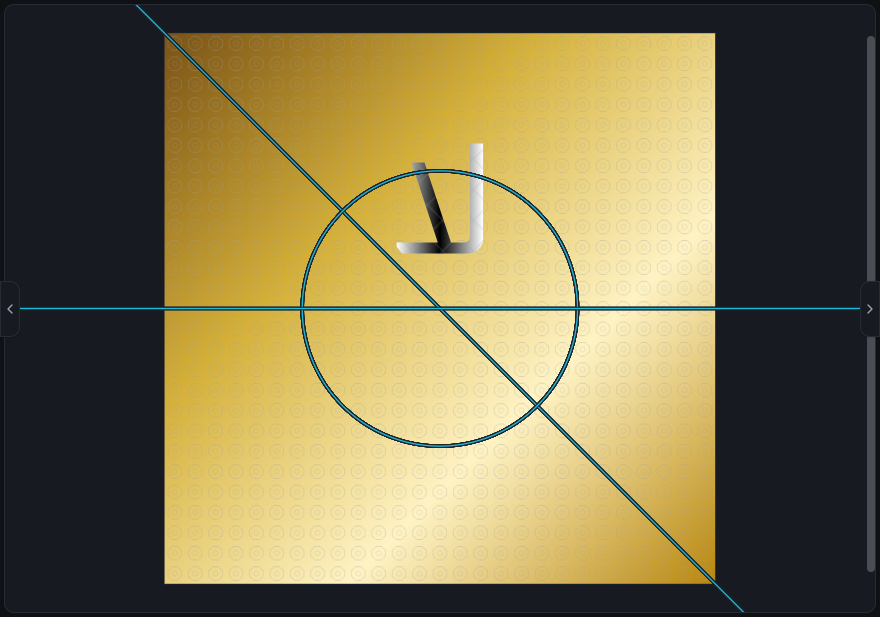
The motif gallery
The gallery holds more than forty motifs, most of them Islamic geometry. Simple ones include Graph paper, Dots, Diagonal stripes, Chevron and Fret band. Denser ones include Woven seal, Muqarnas fan, Radiant medallion and Interlaced curls.
Choosing None removes the motif and leaves the paint underneath on its own.
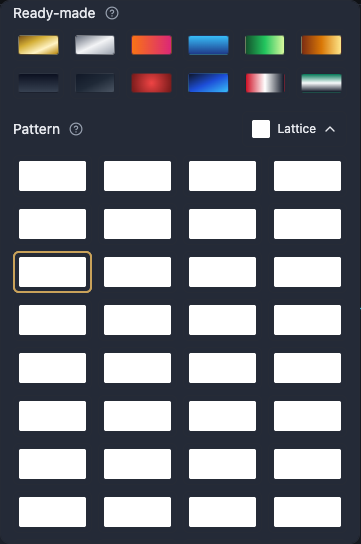
Setting the tile
The motif itself never changes. What changes is how big it is, how far it turns, and how strongly it shows.
- Pattern size makes the repeating tile bigger or smaller, so only how often it repeats changes.
- Pattern opacity sets how strongly it shows. At zero it disappears and the colour underneath stays exactly as it is.
- Pattern angle turns the whole motif, and everything underneath stays upright.
- Pattern color gives the motif its own colour over the paint.
Motifs on letters and shapes
A motif is not limited to the page. Put one on a word's ink, or on a shape's fill or border, the same way and from the same pop-up.
It works over all three modes: over one colour, over solid colours, and over a gradient.
Worth knowing
A pattern is left out of a PDF, and the colour or gradient underneath it comes out instead. The export dialog tells you so the moment you pick PDF. When the motif matters to the design, export PNG or SVG.
Every export matches what the page background shows on screen by default. Choose Transparent under Background in the export dialog to drop the page fill and leave it unpainted instead.