Interlacing letters
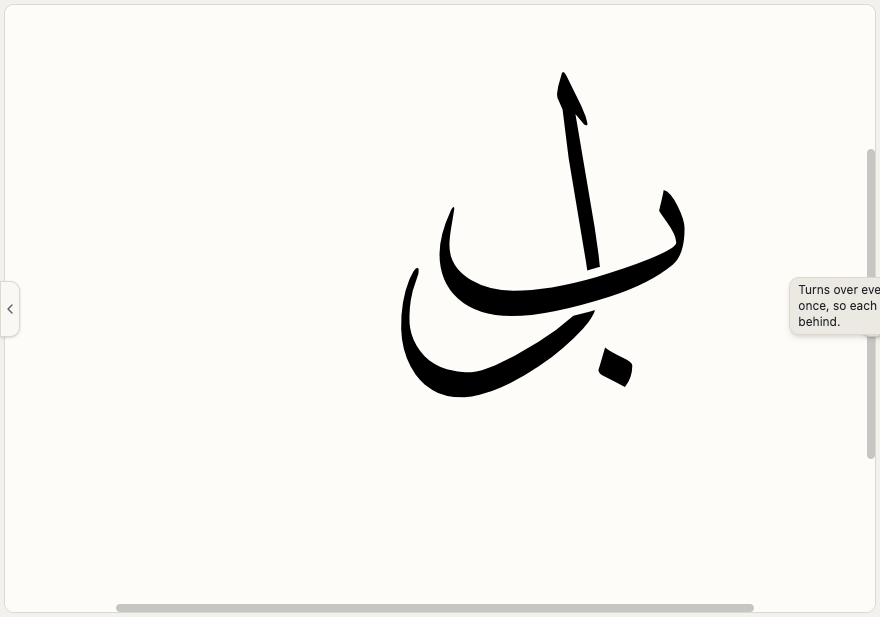
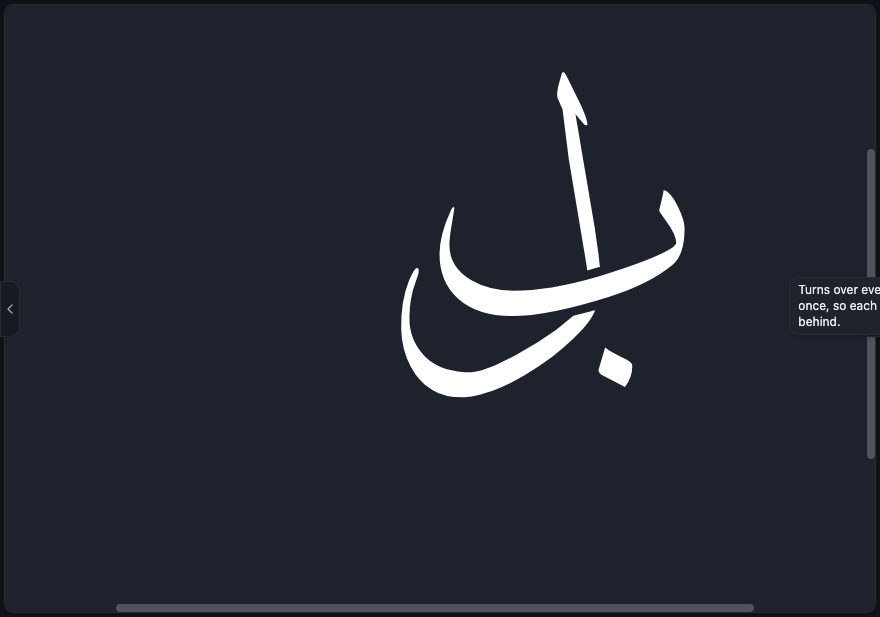
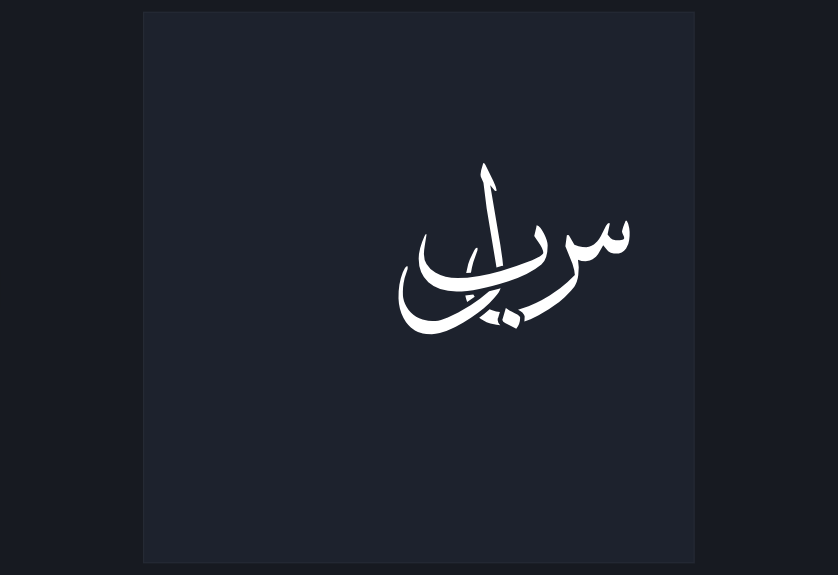
Where two letters cross, you choose which one passes in front — separately at every single crossing. A small space is cut out of the letter behind, at that crossing only, so the eye reads it running underneath exactly as a calligrapher's hand would draw it. No tricks and nothing to set up: lay the letters however you like, press once, and every crossing is woven, however many there are and however tangled.
What this is for
Arabic calligraphy interlaces constantly: a descender rides over one stroke and under the next, and each crossing is its own decision.
Layers cannot do this. A layer puts one whole piece in front of another; interlacing is finer than that, because the same two letters may need to swap from one crossing to the next.
Nothing of your work is touched. The letters, the typed text and every edit you made stay exactly as they are; only what is painted changes.
The quick way: the Weave tool
Nothing needs to be selected first. Pick the tool, bring the pointer near a crossing so it lights up, and click it.
There is no extra dot or marker on the canvas. The crossing itself is the button.
- Pick the Weave tool in the tool rail.
- Bring the pointer over a place where two letters cross, until it lights up.
- Click it: the front and back swap there, and the space opens.
- Move to the next crossing and decide that one on its own.
The complete way: the Weave panel
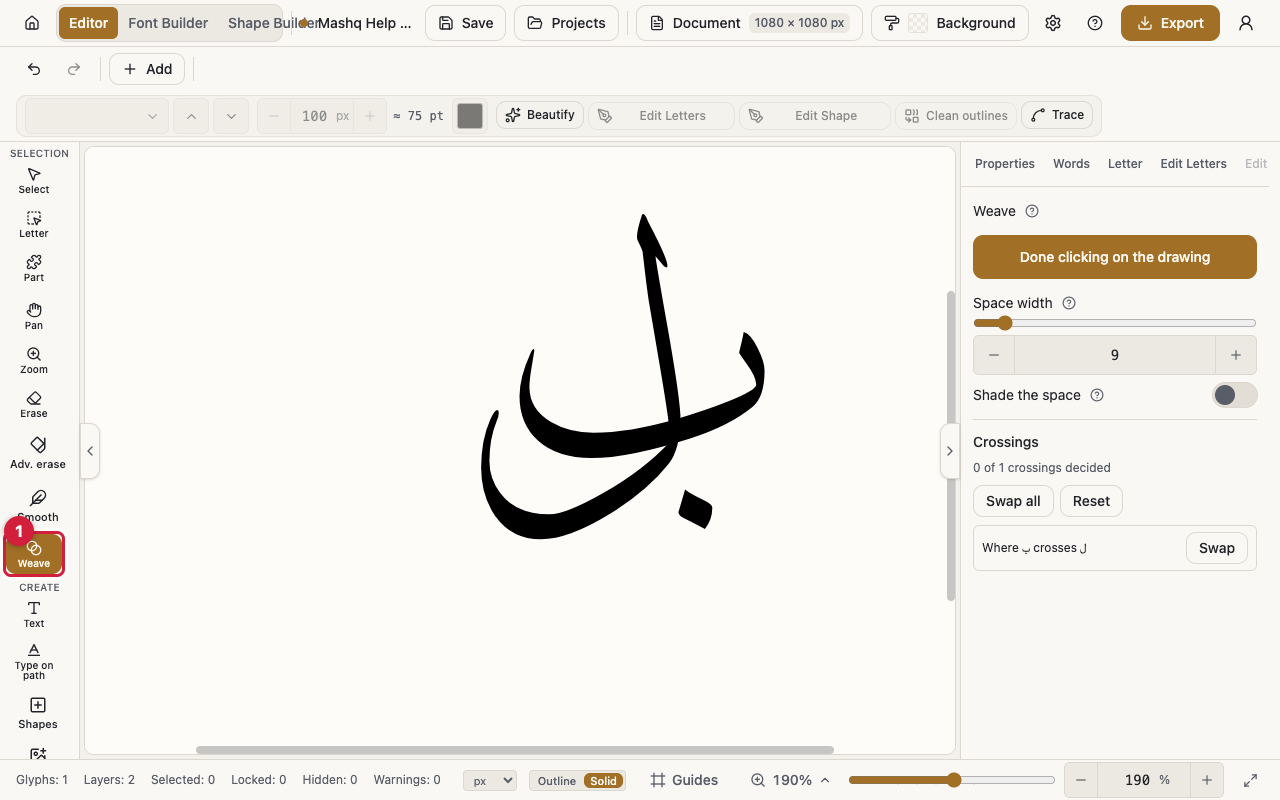
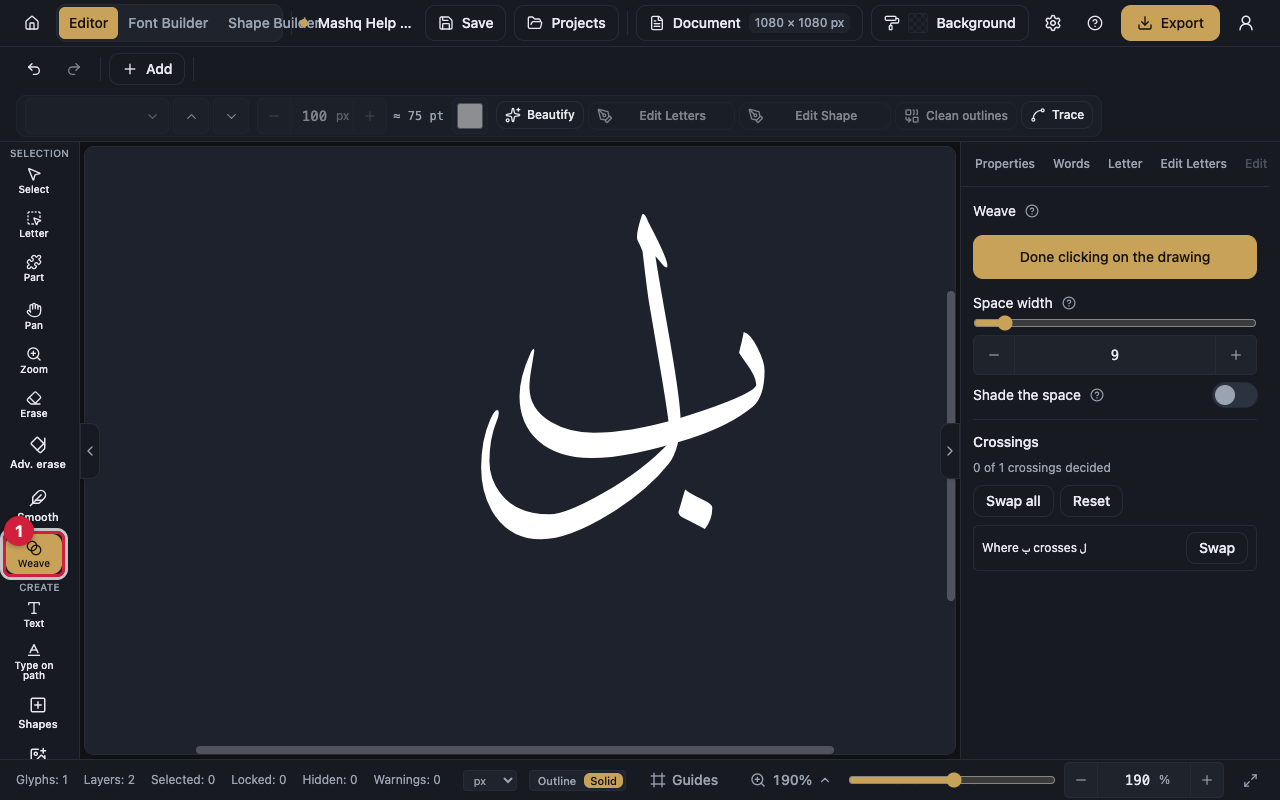
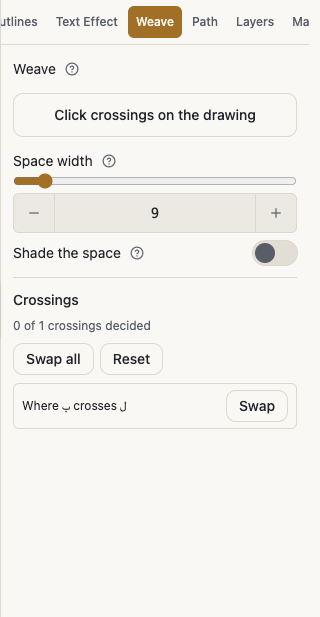
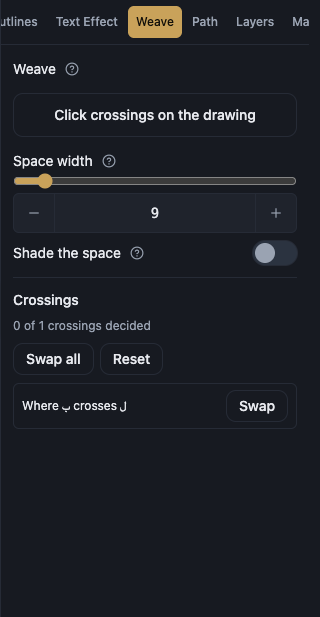
The panel lists every crossing in the WHOLE drawing, one row each, not only the ones inside whatever is selected — a crossing between two layers belongs to neither of them.
Swap turns one row over. Swap all decides every crossing in the drawing at once. Forget drops a single decision, and Reset returns the drawing to how it looked before you started.
Choose on the drawing turns the canvas tool on and off. That is how a phone reaches it: the tool rail there has no room for every tool.
The space, and its shade
Space width sets how wide the cut is around the letter in front. Zero is a real choice: the two letters meet edge to edge with no space between them.
Shade the space draws a fine dark line along the cut alone, so the crossing reads as depth rather than as a gap. It is off until you turn it on.
Turning it on reveals four more dials: which letter carries the shade, how dark it is, how thick, and how soft. The shade hugs the cut edge, never touches the rest of the letter, and falls on ink only, so it reads on a page of any colour.
However many crossings
There is no limit on how many crossings there are or how tangled they get. Lay three letters over each other, or ten, press Swap all once, and the whole drawing is woven in seconds.
What cannot be woven
A crossing is refused when either of its two layers is locked, hidden, or a picture: there is nothing to cut, or nothing that should be cut.
A letter stored as one solid outline that crosses itself cannot be woven: the boundary is already resolved, with no memory left of which side passed over.
A drawing with no decisions made on it paints exactly as it always did, and stores nothing.
Does it reach my export?
Yes, for free. Export, print and the cutting file all read the same painted outline the canvas does, so whatever you wove is already there.
Your plan
Interlacing is a paid feature, switched on per plan. The owner always has it; everyone else has it when their own plan includes it.
If your plan lapses, every crossing you already wove keeps painting, exporting and saving exactly as it is; only making a NEW decision is refused. Forget and Reset stay available on every plan, so nobody is ever stuck with work they cannot undo.