Font packs
Start a pack from nothing, or import an OpenType file, then keep it and its versions in your account.
Arabic font builder
The font builder is where the letters themselves are made. You draw or import a shape for each letter, set how it joins its neighbours, and save the result as a font pack you can write with in the editor. Packs stay in your account, and you can export them to a file.
Mashq works today with computer fonts: licensed open fonts, plus any font you upload or build yourself. Font packs written by hand by professional calligraphers are still being made, and they are coming soon.
Vector, print and cutting exports, and text on a path, are part of the paid plans.
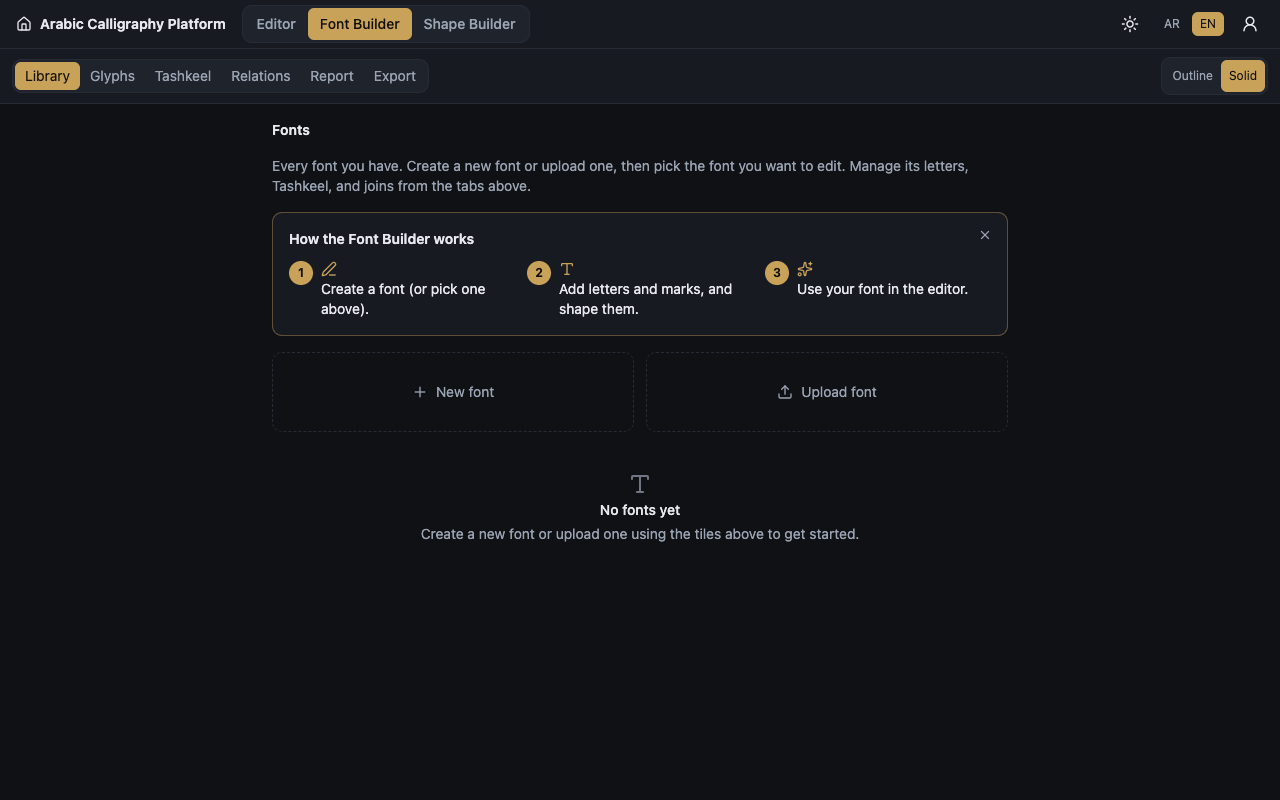
Start a pack from nothing, or import an OpenType file, then keep it and its versions in your account.
Give one letter several forms, and pick the form that joins best inside a given word.
Place the dots and the tashkeel marks, and set where each one sits above or below its letter.
Bring shapes in from SVG, PDF, or a traced picture, and send a finished pack out as a .fontpack or .zip file.
Name a new font pack, or import a pack you already have.
Draw each shape or import it, then read the coverage report to see what is still missing.
Choose your pack in the editor and write with it like any other font.
Create a free account and open the Font Builder.