Edit letter by letter
Select a whole line, a single letter, or one part of a letter, then change its size, angle, baseline, and colour on its own.
Arabic calligraphy editor
Type an Arabic word or a whole phrase and the letters join as you write. After that every letter is yours: move it, resize it, recolour it, or swap it for another form. When the line reads the way you want, export it as a clean vector file.
Mashq works today with computer fonts: licensed open fonts, plus any font you upload or build yourself. Font packs written by hand by professional calligraphers are still being made, and they are coming soon.
Vector, print and cutting exports, and text on a path, are part of the paid plans.
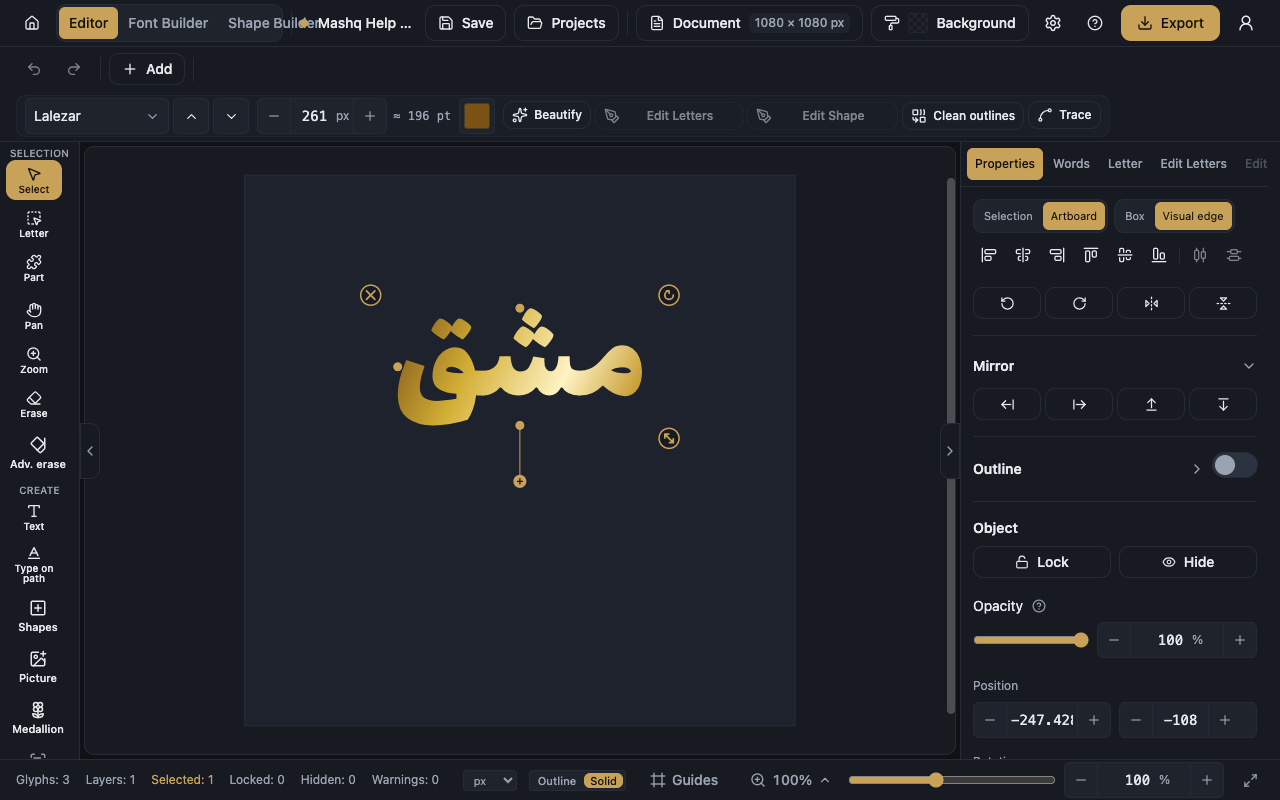
Select a whole line, a single letter, or one part of a letter, then change its size, angle, baseline, and colour on its own.
Add fatha, damma, kasra, shadda and the rest, and move any mark to the exact spot you want it.
Stretch the joins between letters by hand, or ask the editor to fit a line to an exact width.
Set your words on a circle, an arch, a wave, or a curve you draw yourself. The letters stay joined the whole way round.
Keep text, shapes, and pictures on separate layers, lock what should not move, and align by the visible ink instead of an invisible box.
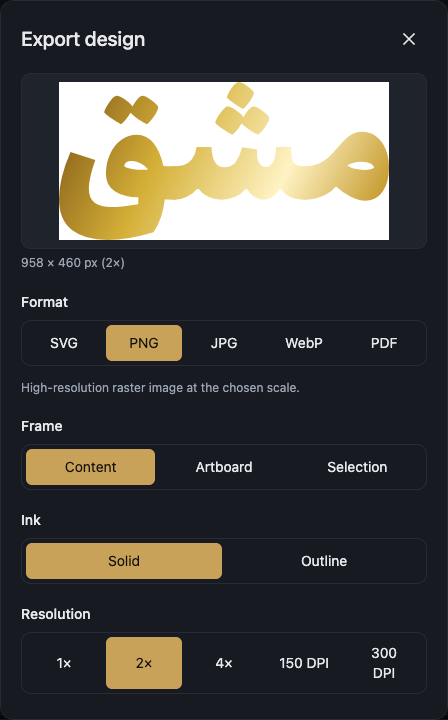
Download vector PDF or SVG, PNG at up to four times the size, or a DXF cutting file with crop marks and real millimetre sizes.
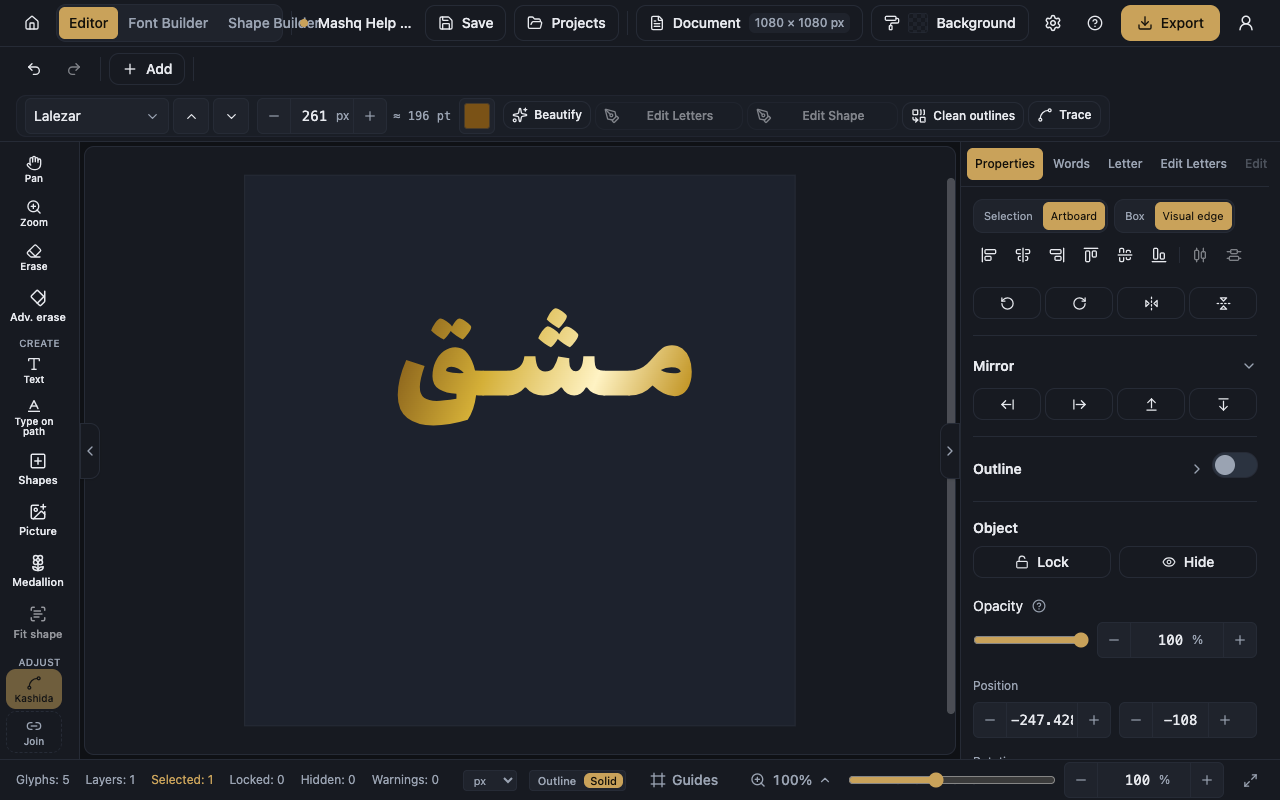
Open the editor, choose a font, and write your word or phrase in Arabic.
Adjust the letterforms, the joins, the kashida, and the spacing until the line sits the way you like.
Pick the format and the size, look at the preview, then download the file.
Create a free account and open the editor in under a minute.